
Center store
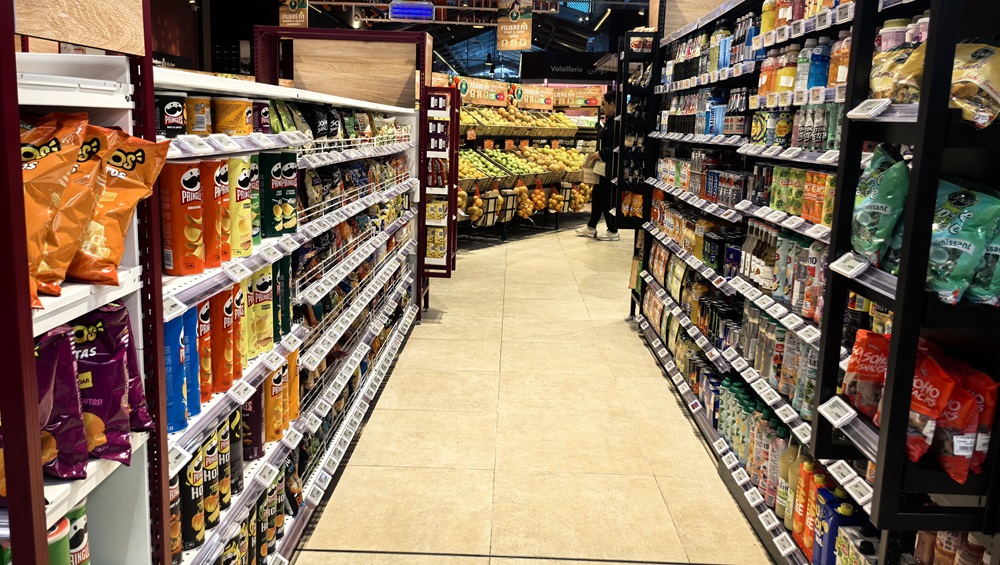
Keep packaged grocery, beverages, household items, and other shelf-stable products current without replacing paper tags.
Electronic shelf labels for grocery stores
Jemco connects electronic shelf labels to the POS system your grocery store already uses. Change a price in the POS, and the matching shelf tag updates—with no second price change and no paper label to replace.
Built for grocery reality
Grocery stores manage huge SKU counts, and pricing changes constantly: promotions start and end, costs move, and regular prices get adjusted. With paper labels, every change becomes another printing and aisle-by-aisle replacement job.
With Jemco’s ESL system, the price on the shelf follows the price in your POS automatically. Change a price for an item or location in the POS, and its assigned shelf label updates without a separate shelf-price change.
Across the store
Templates can use the product information available from your POS and present it in the format that makes sense for each department.
Keep packaged grocery, beverages, household items, and other shelf-stable products current without replacing paper tags.
Use layouts designed for item names, prices, weight or unit information, and the other details available in your product data.
Create department-specific templates for product sizes, prices, descriptions, and promotional messages.
Jemco offers freezer-capable electronic shelf labels designed to keep shelf pricing current throughout the frozen-food aisle.
POS-connected by design
Common grocery POS systems include IT Retail, ECRS CATAPULT, LOC, NCR Voyix, Toshiba, Clover, and Square. Jemco already integrates with Clover and Square. If you use one of the others—or a different system—we’ll work with you to gather the needed information and build the integration. Jemco typically does not charge a separate fee for this service.
Straightforward from the start
Use Jemco’s existing onboarding process for Clover or Square. If you use another POS, we’ll build the connection you need.
Jemco reviews the information your labels will display and helps identify formatting or cleanliness issues.
Scan the tag, scan the item, and done; the tag now belongs to that item.
Keep making price changes in your POS as usual. The assigned shelf labels follow automatically.
Everything required to put ESLs to work
Yes, when the needed information is available in your POS data and integration. Templates can be designed to display unit, weight, package, or other product details.
No. Different items and departments can use different templates, including distinct designs for sales, clearance, multibuy, and BOGO offers.
No. Each store’s labels follow the item and pricing data maintained for that location in the POS.
Jemco can build an integration for your POS system. We work with you to gather the needed information and typically do not charge a separate integration or setup fee.
Your regular retail team performs the physical installation with remote training and support from Jemco. No technical staff is required.
See it work with real item data