
Your Clover prices, automatically on the shelf.
Jemco connects your item and pricing data to electronic shelf labels. Change a price in Clover and the matching shelf tag updates automatically—no additional action required.
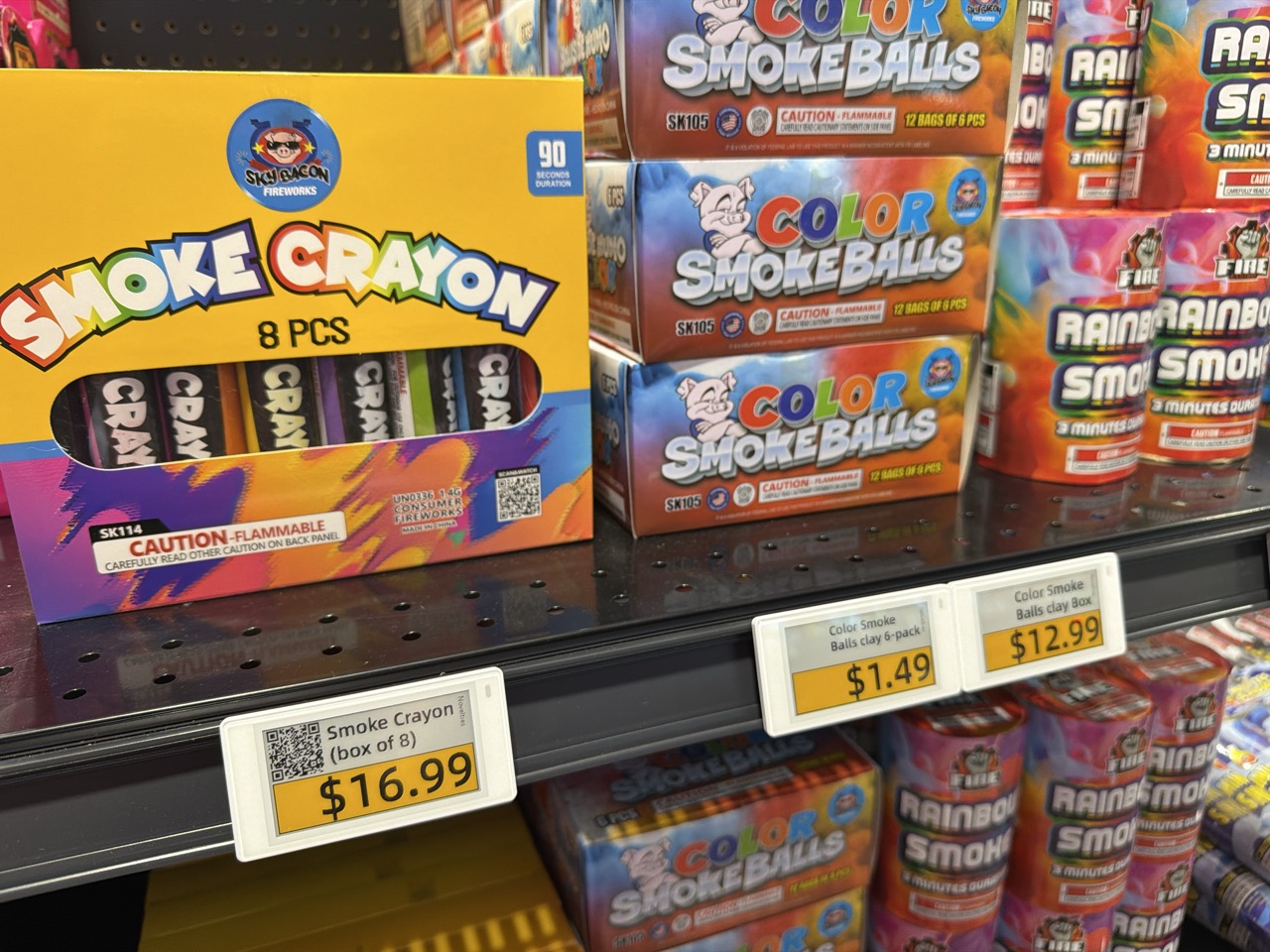
Clover remains the source of truth
Your POS stays in charge.
Your team keeps managing items and prices in Clover, exactly where it does now. Jemco’s ESL system reads the relevant information and sends each change to the tag assigned to that item.
There is no second catalog of prices for employees to maintain. At multiple locations, each store’s shelf labels simply follow the item and pricing data maintained for that location in Clover.
One price change. No second step.
From Clover to the shelf automatically.
Use the POS workflow your team already knows.
The relevant item and price data stays connected.
The new shelf price appears without another action.
Straightforward setup
Not an IT project.
Jemco supports onboarding, training, and launch by phone or video. Your regular retail employees can learn, install, and operate the system—no technical staff needed.
Connect Clover
Use Jemco’s existing onboarding process to authorize your Clover account.
Review and assign
Jemco reviews your item data. Then quick two-scan tag assignment—scan the tag, scan the item—links each label to its product.
Change and launch
Keep making price changes in Clover as usual.
Everything required to put ESLs to work
The system, the hardware, and the support.
- Existing Clover integrationEstablished onboarding and automatic price updates.
- Labels, gateways, and mounting optionsHardware selected for your store and fixtures.
- Customizable starter templatesEdit the included designs or create different looks for sales, clearance, BOGO offers, and more.
- Item-data review, training, and ongoing supportPractical help before launch and whenever your team needs it.
Is the Clover integration already available?
Yes. Clover is one of Jemco’s existing POS integrations.
Do we update prices in both systems?
No. Continue changing prices in Clover. The matching shelf label updates automatically.
Can different labels use different templates?
Yes. You can use different templates and different looks for different items, including sale, clearance, and BOGO designs.
Does Jemco charge a separate integration or setup fee?
Jemco typically does not charge a separate fee for POS integration or setup.
Who installs the labels?
Your team performs the physical installation. The process is designed for regular retail employees, and Jemco provides remote training and support.
See the connection live